ACRO Basics: Turns
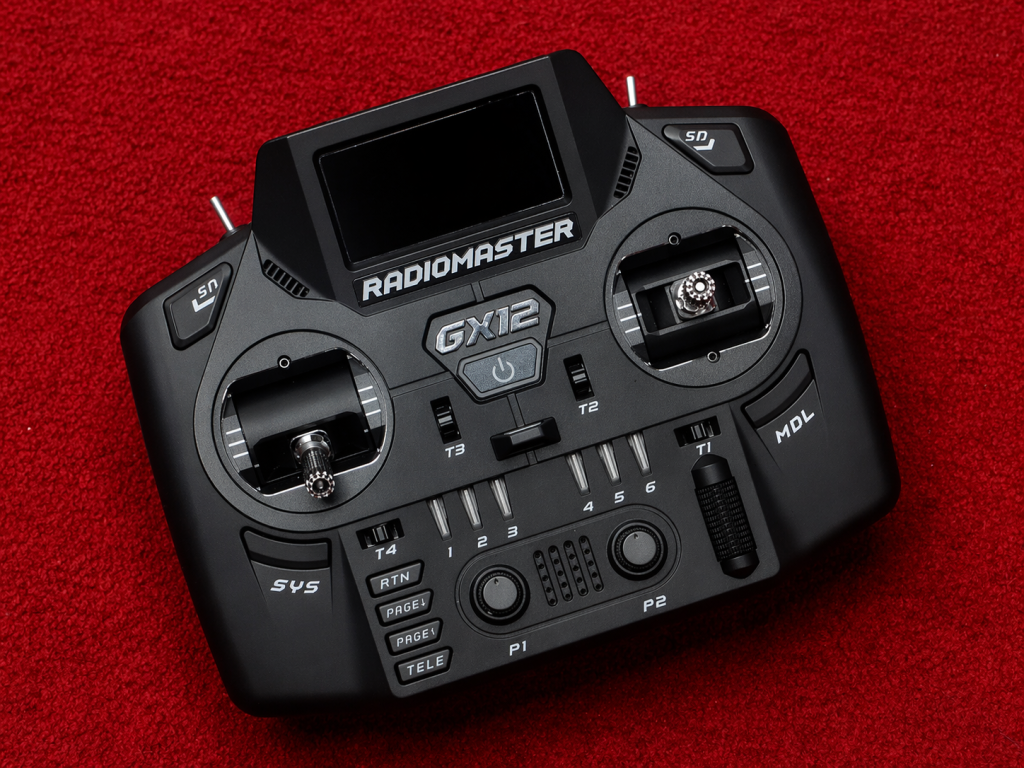
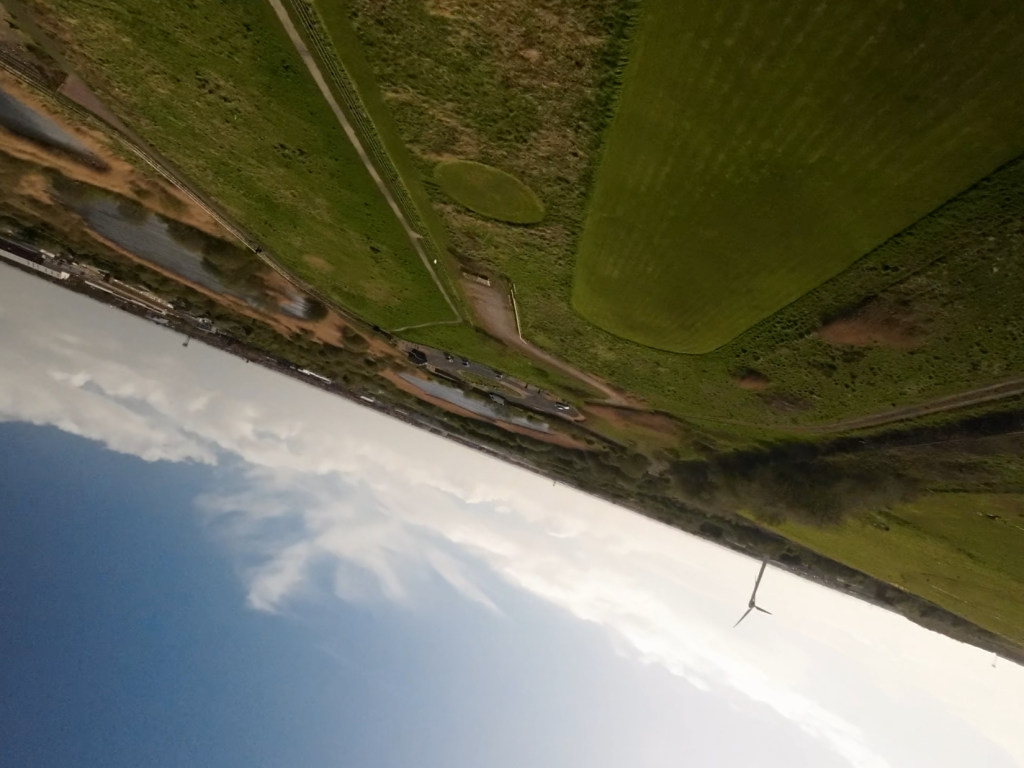
Getting good coordinated turns takes a little practise. Often people will start trying to turn using only the right stick, applying only roll and pitch - especially those that are gamers that expect one stick for speed and another for direction. With acro quads, you need to balance all axis to perform a good turn. If you take a look at the video below you'll see that both roll and yaw move in the same direction.
For the most part on these slow and tight turns, very little roll is applied - however, a moderate amount of yaw is required to balance the turn. Additionally you may find that you need to pitch back very slightly to control the quad's speed into the turn.
When you first start trying to make turns though specific targets, such as turns to line up with race gates, it's a good idea to add a crosshair to your OSD. This will help you visualise your yaw input more easily and help ensure smooth and consistent turns. The crosshair shows you which direction your quad is pointing in, and aside from inertia and accounting for your camera angle: your quad will go in the direction that you point it.
If you find you're able to turn one direction well (likely left) but struggle in the other direction, this can be caused by your hand placement on the controller. Check that you are able to reach full stick deflection with both sticks and if you're not, or if it's difficult, adjust your hands on the controller so that you can. It's also a good idea at this stage to look into the different methods of control: thumbs, hybrid, and pinching. It's purely personal preference, but you'll often find you prefer one to the others and once you get the basics down you may struggle to change method.