Getting Started
Flying an FPV Quad is hard. It takes some work to build up the skills to be able to even get off the ground, but in this guide we’ll get you started.
Terminology around FPV Quads is messy. When you tell someone you fly drones, they might think you mean flying a DJI Mini, or even remotely piloting an MQ-9 Reaper. Even the term we use to minimise this confusion, "FPV Quads", isn't all that precise. So let's cover of the basic terms, then dig in to how to get started flying.
On this site we use the term "Quad" rather than "Drone" to avoid people assuming we're flying stabilised camera drones like the DJI Mini. Drones like the DJI Mini, Mavic, and Matrice are more common and usually what people assume you mean when you say "Drone". Whereas we'd use a more specific term for this, such as "Camera drone", "Cine drone", or "auto-stabilised drone".
The term "FPV" simply means "First Person View" - flying using a set of goggles that shows a live video feed out of the front of the quad. It's entirely possible for you to fly something like a DJI Mini 4 Pro by FPV by using the DJI Goggles 2; but that's not usually what people mean when they talk about "FPV Drones".
So what kind of drones are we talking about? Take a look at quads like the iFlight Nazgul 5, the DarwinFPV BabyApe II, or even the BetaFPV Meteor75 - that's the kind of thing we mean. Whilst most of the quads that we fly are self-build, these quads are good examples of what we're talking about.
Whether you prefer to call them drones, and differentiate the others with terms like "camera drone", or "Freestyle FPV drones" or "FPV Quads" - whatever your preferred term: we'll get you airborne.
The Safe Approach
FPV Quads can be dangerous: they're fast, can heavy, and their batteries can cause fires. Flying them takes practise and one way to safely upskill is to learn to fly using a simulator first. It's also a cost effective way of "having a go" without spending too much money before you are sure that you like the hobby.
Whilst it is possible to use some FPV simulators with a common controller such as from a PlayStation or XBox, we strongly recommend against that. Get a proper controller and you'll progress much faster.
Again you will find some pedants out there, that get mad at what you call the thing in your hands when you fly FPV. Some purists will call this a "radio", others might prefer "transmitter", or you could go with the basic "controller". Whatever you call it, this should be the first thing that you buy.
If budget is a concern, then there are plenty of low cost controllers that can get you started. I'd recommend you check out the Radiomaster Pocket Crush, the BetaFPV LightRadio 4, or the Radiomaster TX12. You'll see controllers referred to by the system they use, such as FrSky, 4in1, CC2500, Crossfire, or ELRS. Unless you have a very good reason not to, I strongly recommend you go with ELRS.
If budget is less of a concern and you'd rather get a controller that you'll stick with rather than a cheap one you'll just want to upgrade later then check out the Radiomaster Boxer Crush or the Radiomaster TX15. If you've got money to burn, then you might like the Radiomaster TX16S Mk3 Max.
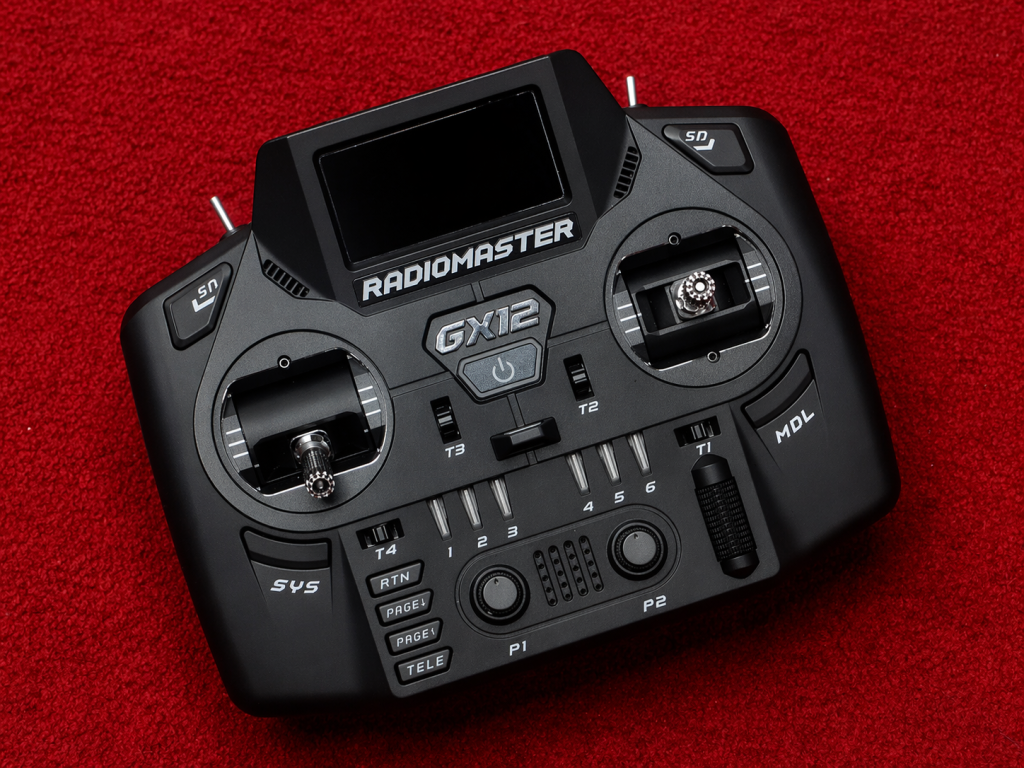
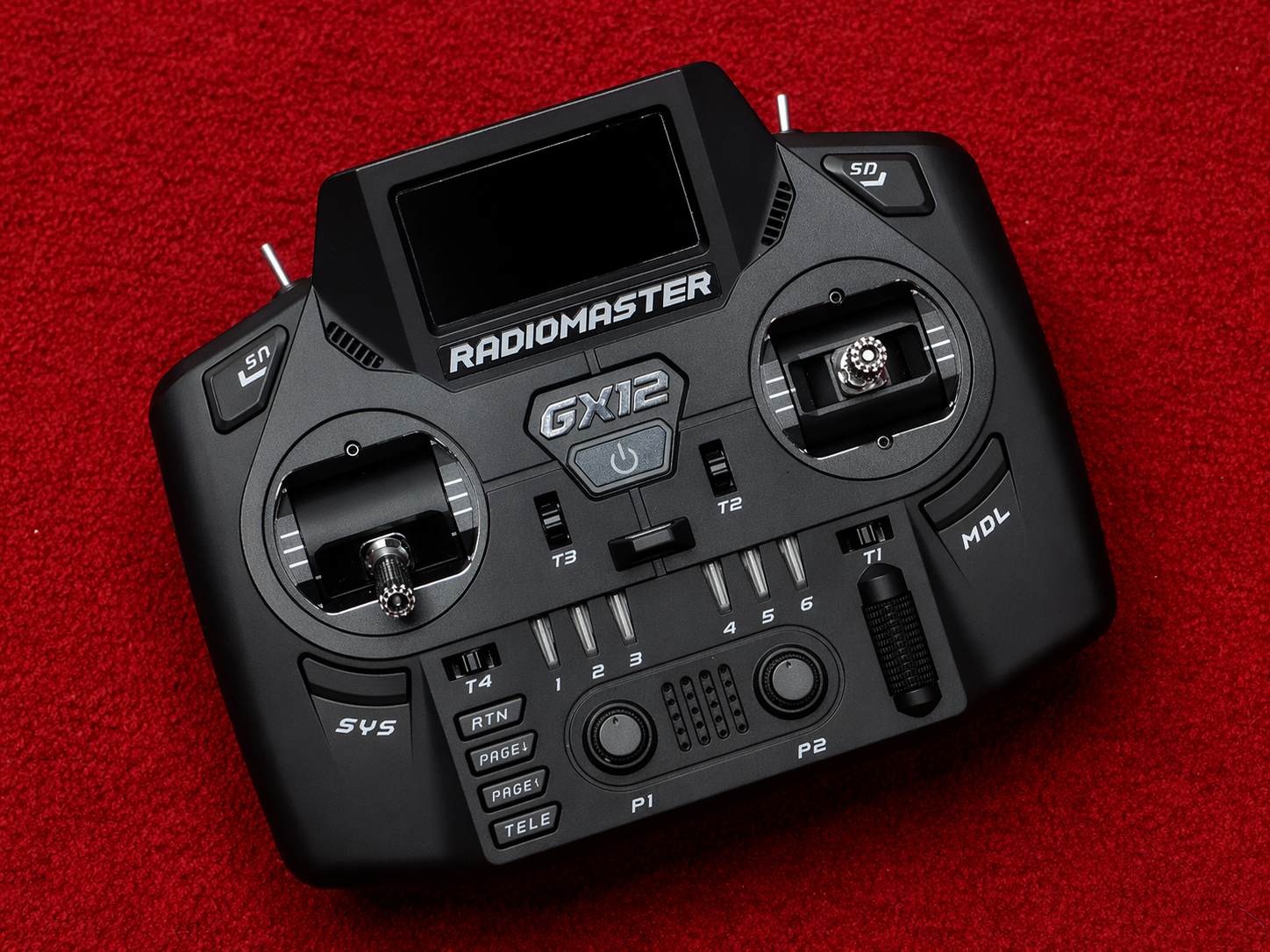
Personally, I fly with the Radiomaster GX12. It's main feature is something called Gemini-X, which isn't needed for most people - but I like having the option, I like the folding sticks, and I like the form factor.
Completely overwhelmed and just want someone to make the choice for you? Get a Radiomaster Pocket Crush.
Get a Simulator
There are plenty of FPV simulators out there to choose and the differences are mainly personal preference - and there's no harm in taking a look at a few before you settle on one. I'd recommend taking a look at: Liftoff, Tryp, Uncrashed, Velocidrone, FPV Logic, and The Zone.
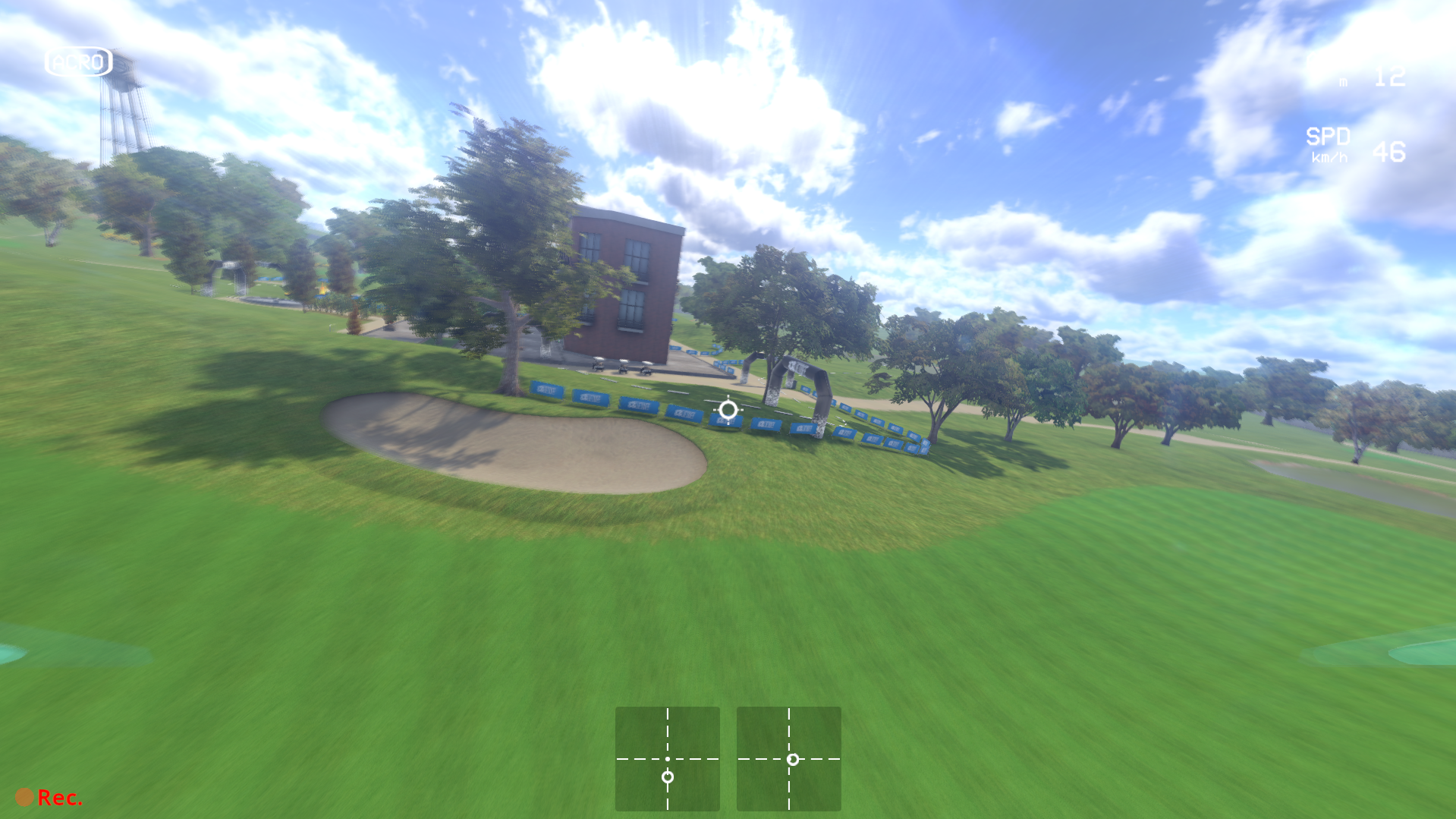
Liftoff
I personally believe Liftoff is the best all-rounder sim, whether you're just interested in learning the basics, or if you want to move towards freestyle or racing this sim will work for you. It's very well established, with very good physics, full quad customisation, and a good range of maps.
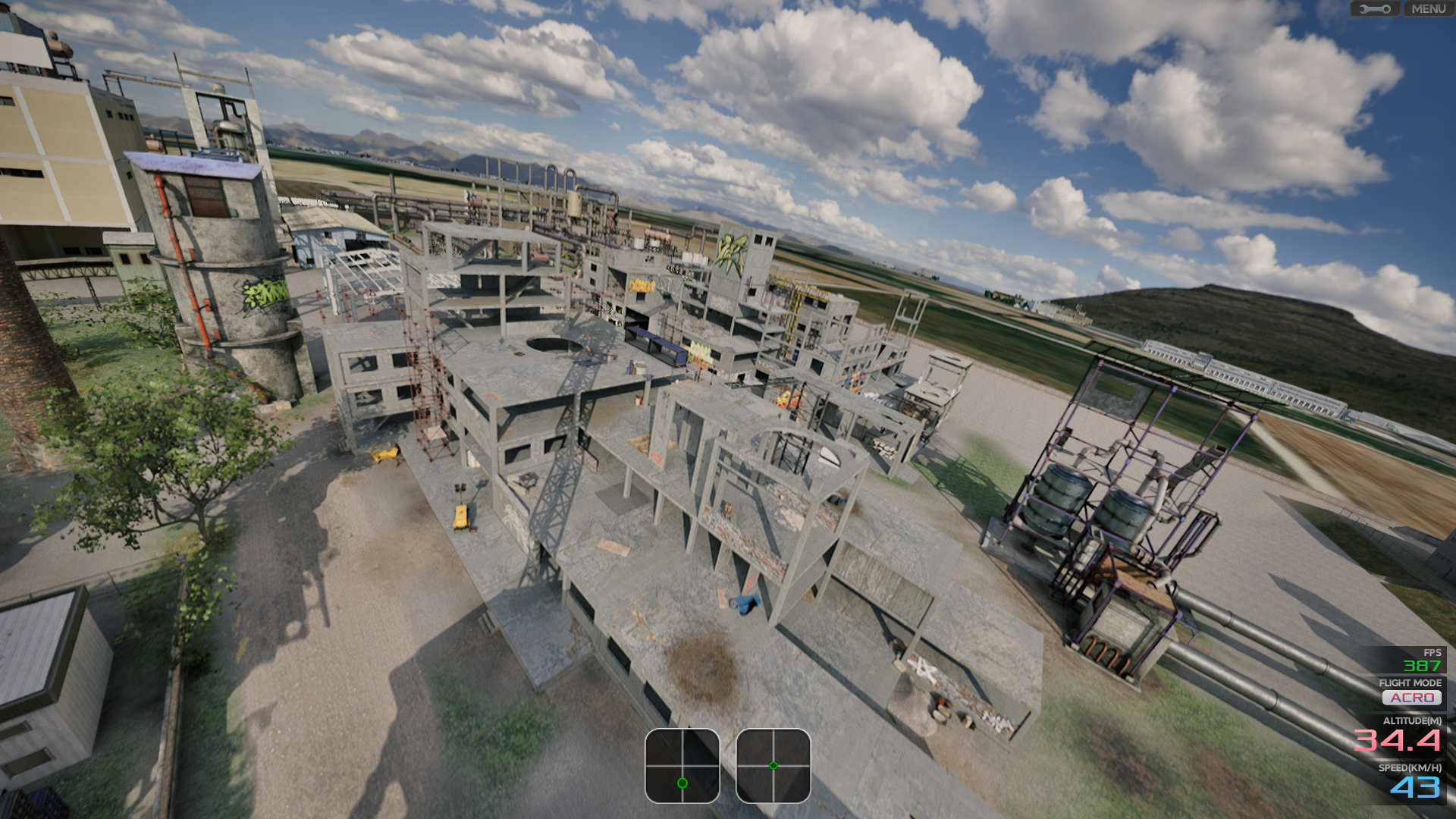
FPV Logic
I spend the most time in FPV Logic because I think it's a great sim to learn freestyle, with large and complex maps with lots of potential lines. It's got good physics, good graphics, but detailed environments.
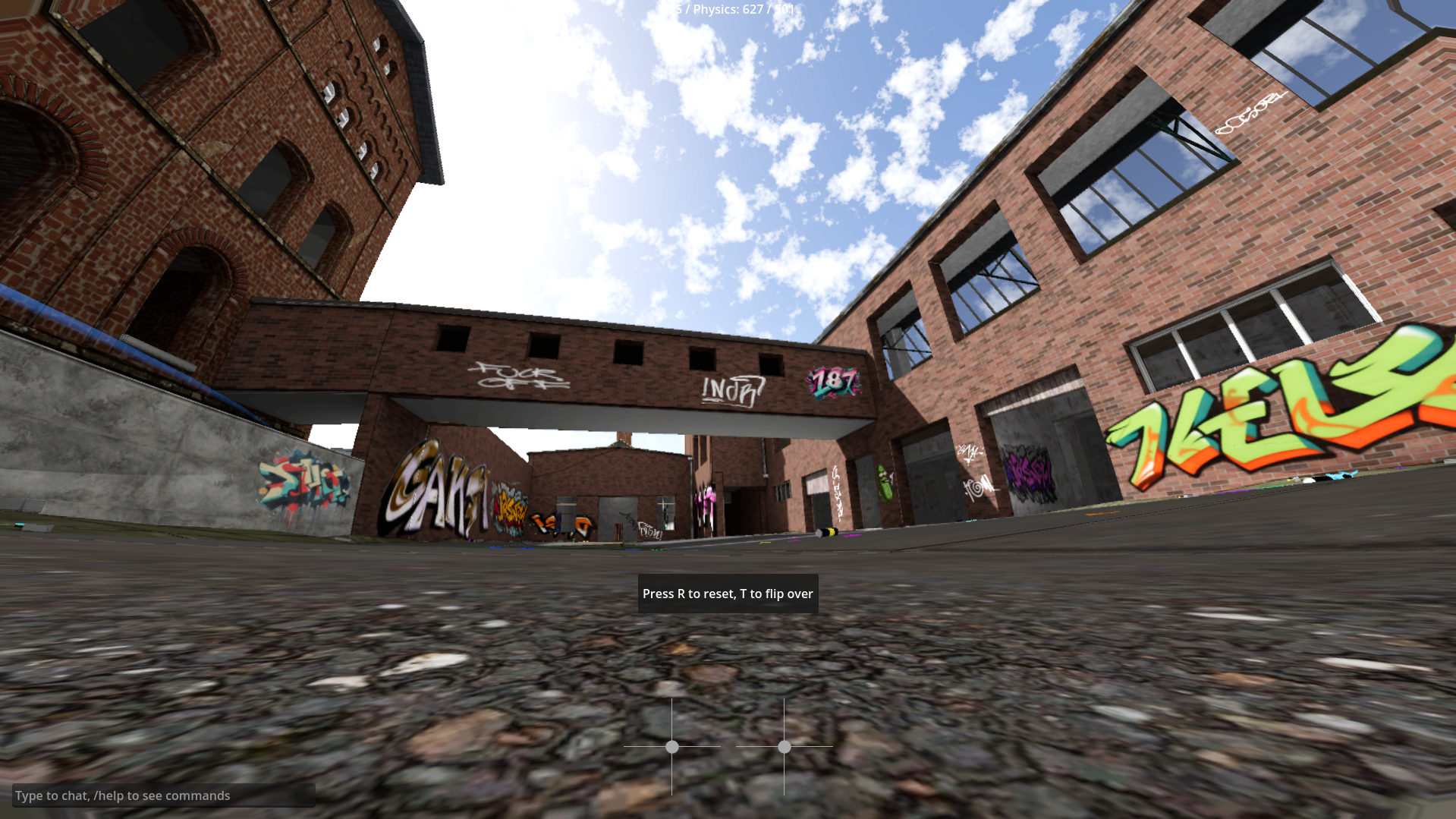
The Zone
For me, The Zone offers a major benefit over other side: freestyle realism. The main map is based off a well known bando in Germany and the physics are dialed in. The graphics are very basic as the focus is more towards the physics and location.
Completely overwhelmed and just want someone to make the choice for you? Get Liftoff.
GET CONNECTED
Most controllers will let you connect to your computer via USB-C and some allow a connection via bluetooth low energy (BLE). However, check out the ELRS Squid Stick. Since your controller of course already has a radio built in, you can actually connect to your computer over ELRS. I much prefer this approach, since you're not tied to a cable or short range connection.
Do you need a Squid Stick? No, they're a just nice to have.
Practice
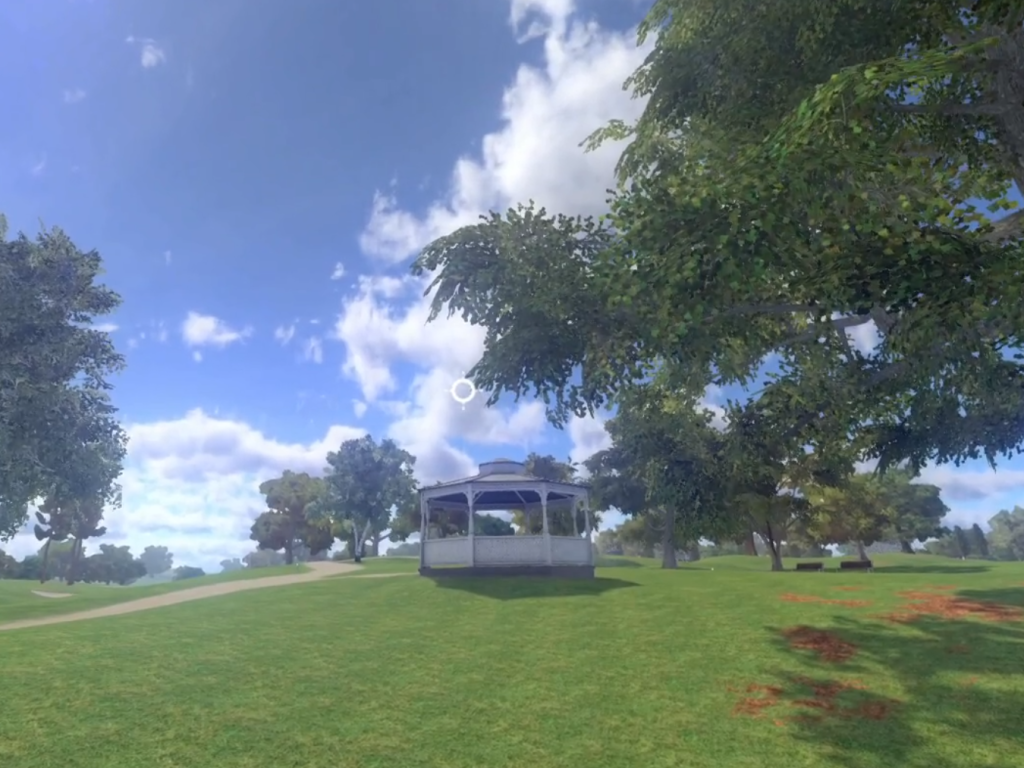
When you first get started, expect flying to feel impossible. You'll struggle with maintaining your altitude and turning will be very difficult. However, with patience and practice you'll get the basics in just a couple of hours. A few more hours and things will start to become much easier. Don't worry about races and hitting gaps to start, focus on hovering and turning. Once you've got the basics, try completing a lap on LiftOff's "Field Day" track. A simple loop map like this will help build you coordination and help you move towards hitting gates.
I know it sounds crazy to hear that it'll take hours to even be able to manage the basics, but everyone has to deal with his initial hump - stick with it and you'll get there.
With practice, you'll master the fundamentals - and the next step will be to get yourself some goggles and a beginner friendly FPV Quad like a whoop. These are ultra small and lightweight quads that help you make the transition from simulator to open air.